Export Ready Claims
Filing happens in batches. A batch gathers the claims that are Ready and produces the EDI file your clearinghouse or payer receives.
Create a Batch
Section titled “Create a Batch”- In the sidebar, select Claim Exports.
- Select Export Ready Claims.
- Confirm the export.
Result: a batch appears in the list with its own outcome per claim, either exported or excluded with the reason.
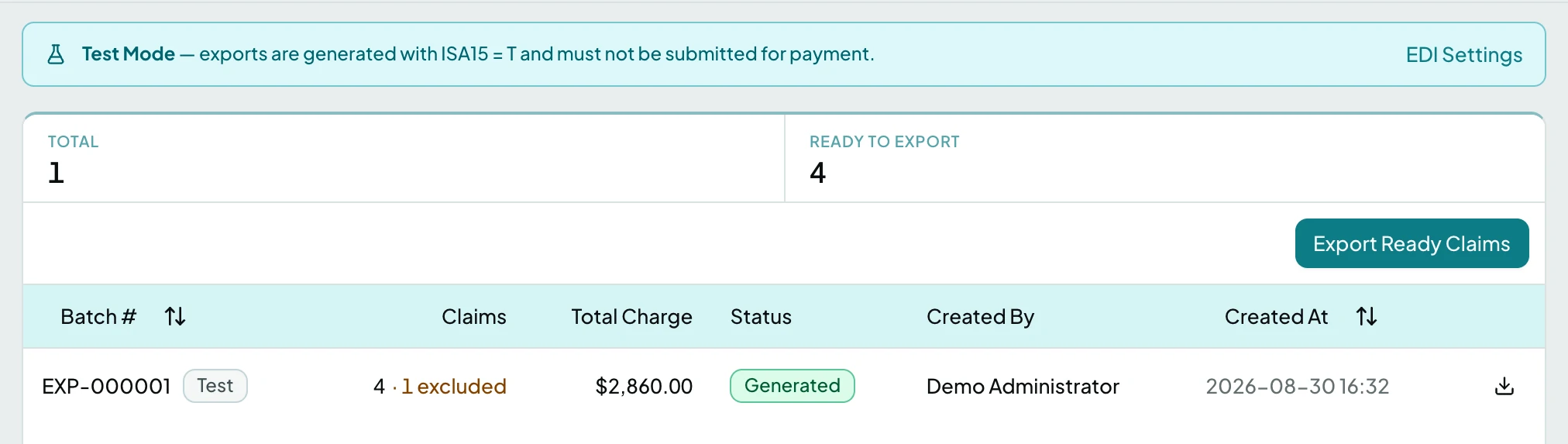
Ready to Export counts what the next batch would take. Claim Exports covers the batch statuses and what each section of a batch holds.
Download the File
Section titled “Download the File”- Open the batch.
- Select Download 837P. The file downloads as your clearinghouse expects to receive it.
Batches Never Change
Section titled “Batches Never Change”A batch is a permanent record of what was sent and when. There is no editing one after the fact, and a retry is a new batch rather than a revision of the old one, so the filing history stays honest.
Related: Claim Exports · Claims · Check and Fix a Claim