I Cannot See Something
Five different things produce a “you cannot see this” in ClaimPod, and each has its own fix. The message tells you which one you have, so match it to a heading below.
“No client access”
Section titled ““No client access””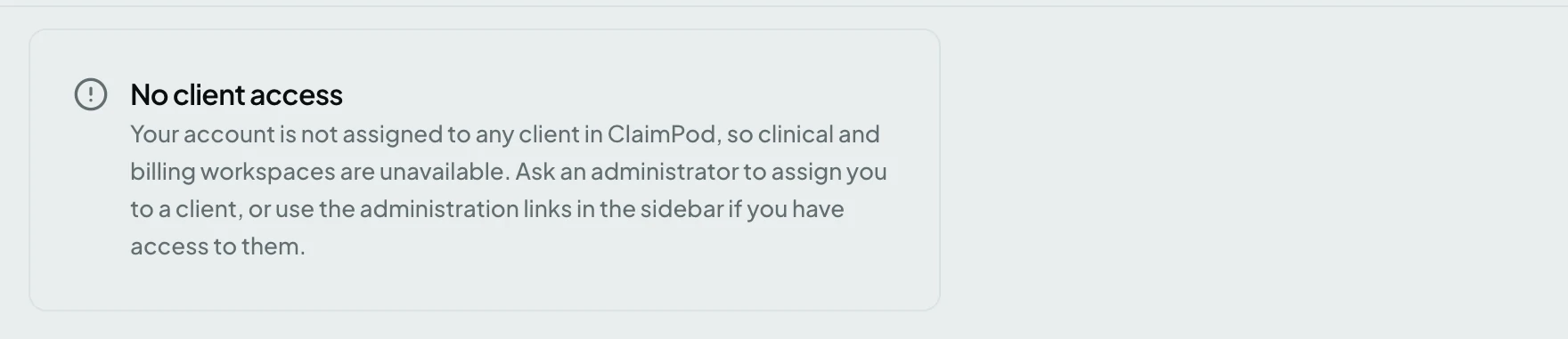
Your account exists; the client grant does not. Role and client access are separate, so holding the User role gives you nothing until an administrator assigns you to a client.
Fix: ask an administrator to assign you to a client from the Users page.
“No access to this client”
Section titled ““No access to this client””
You opened a link for a client your account is not assigned to. This usually means a colleague shared a link without saying which client it was for, because addresses do not carry the client.
Fix: pick one of your own clients from the switcher, or ask for access to that one.
“Crosswalks isn’t part of your plan”
Section titled ““Crosswalks isn’t part of your plan””This module isn’t included in the license installed on this instance.
The heading carries whichever screen you opened - Crosswalks, Rules, Work Queues. The module is not licensed on this instance, so it is not about your account and a role change will not help.
Fix: ask an administrator to review the instance license.
“You don’t have access to this page”
Section titled ““You don’t have access to this page””Your role does not reach this page. Note that this is often working as intended rather than a mistake: an Administrator has no access to patient data at all, by design.
Fix: check Roles and Access before asking for a role change. You may need a second role rather than a different one.
“This instance is in read-only mode”
Section titled ““This instance is in read-only mode””This instance is in read-only mode. You can view data, but changes are temporarily disabled.
The whole instance is in read-only mode. Nobody can save anything, so this is not about your permissions.
Fix: wait for it to be lifted, or ask an administrator why it is on.
Related: Roles and Access · Clients