Build a Mapping Template
A mapping template translates one file shape into patients, visits and services. Build it once per source and every run from that source reads the same way.
Build It
Section titled “Build It”- In the sidebar, select Import Mappings.
- Select Create.
- Attach the example file.
- Select Suggest. ClaimPod proposes a mapping from the file’s columns. Treat it as a first draft.
- Correct each target field the suggestion got wrong.
- Select Preview to see what a run would produce.
- Select Save & Activate.
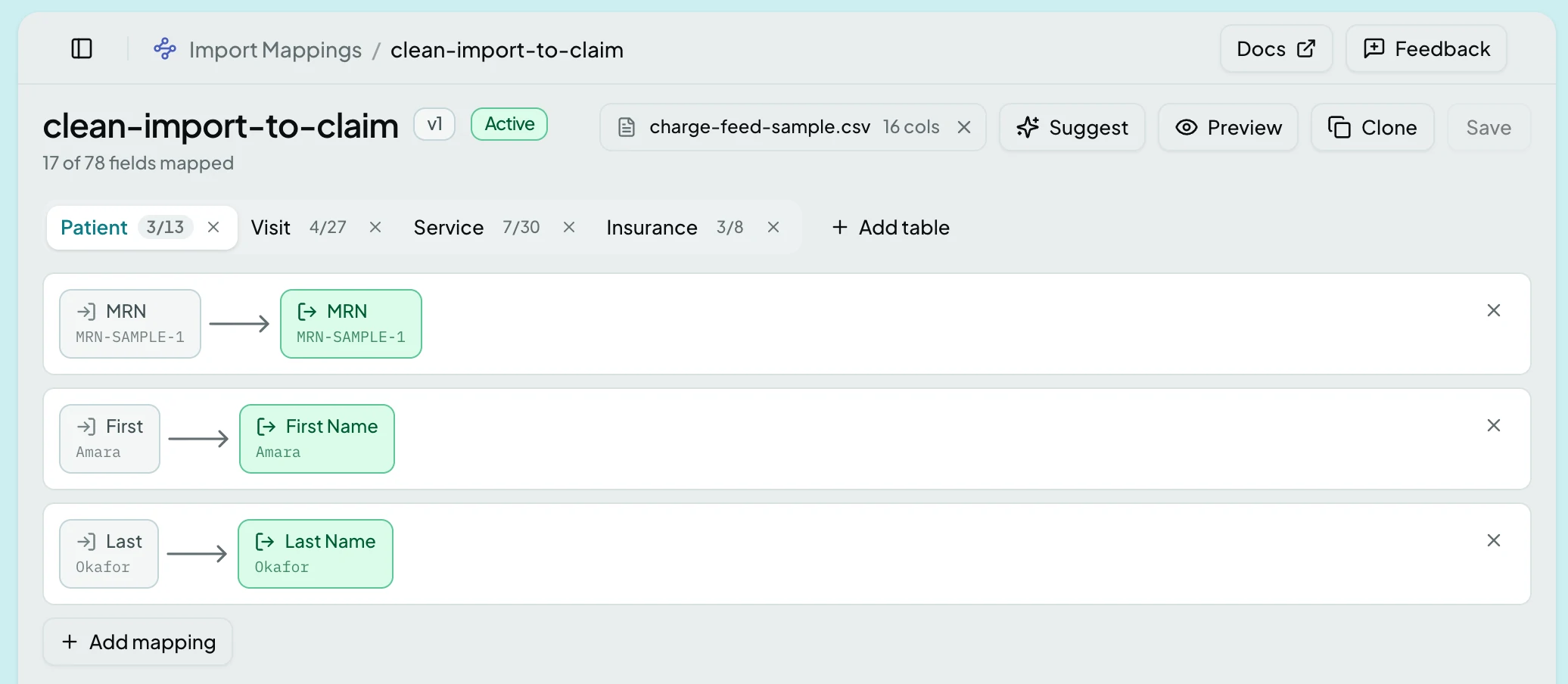
Import Mappings explains the builder’s rows, its per-record tabs and what each action needs.
Result: the template is available to connections, schedules and manual uploads.
Preview Before Activating
Section titled “Preview Before Activating”Preview shows the records a run would create without creating them. This is the cheapest place to catch a wrong column, because after activation the same mistake becomes rows in an import review queue.
Related: Imports · Re-run an Import · An Import or Queue Is Stuck